Invoices in the customer portal: Ease the workload of your internal team with B2B Self-Service
When Documents Become Daily Time Wasters
Are you familiar with this scenario? Your internal team spends valuable hours each day emailing invoices and delivery notes, answering status inquiries, and searching for old documents. These details are usually already in the ERP system.
The issue: Many customers still request documents manually. Not on purpose, but because access is missing or too cumbersome.
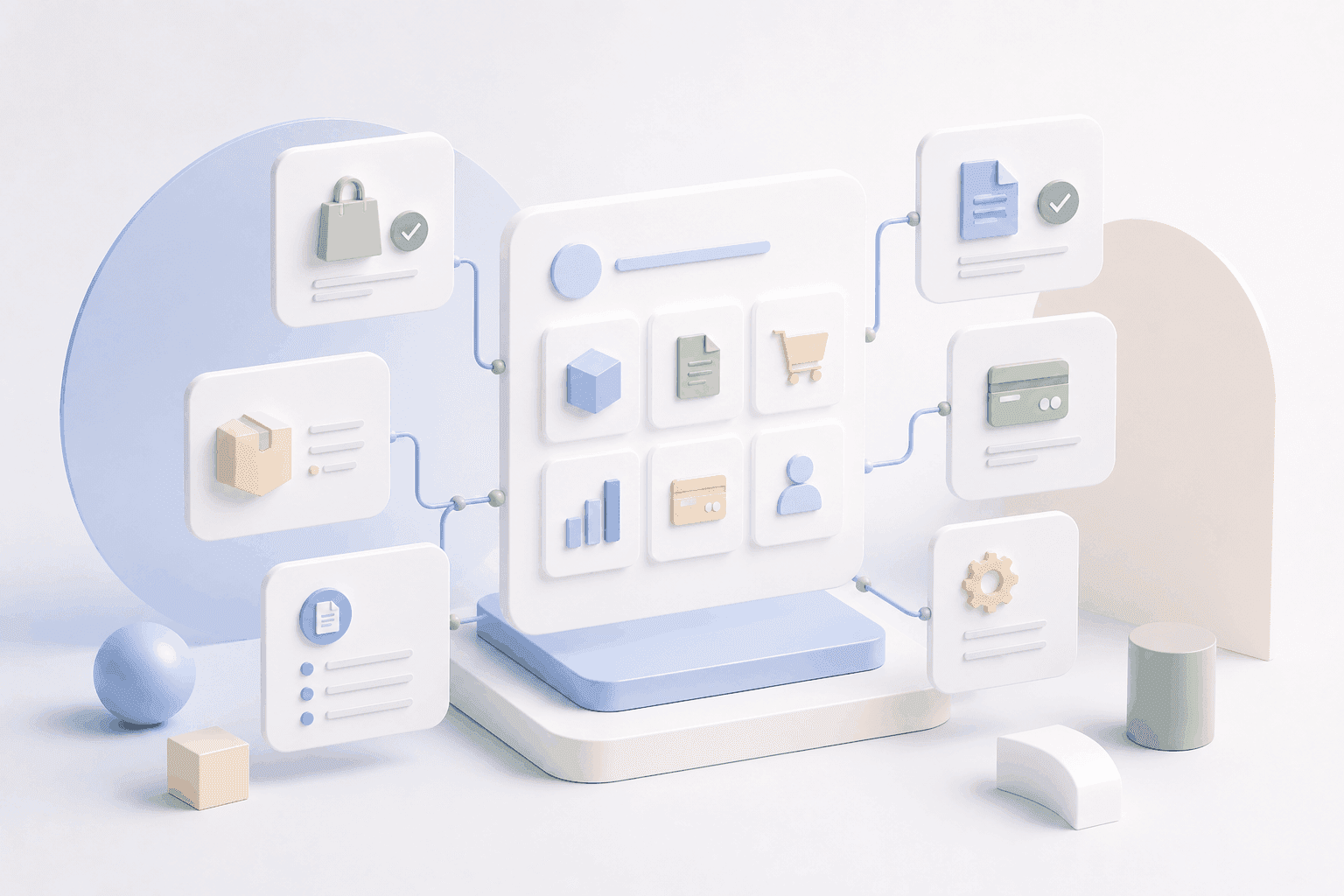
A B2B customer portal solves this bottleneck. Customers can access invoices, delivery notes, and more documents anytime on their own. This noticeably reduces queries and frees up your team for consulting, service, and sales.
In short: A digital document portal is often the quickest way to real B2B self-service.
If you want to know which features a portal should cover, read more here: B2B Customer Portal: Features, Benefits, and Project Workflow.
Why Document Requests in B2B Consume So Much Time
At first glance, a document request seems harmless. In practice, however, it quickly leads to many small interruptions and duplicate work.
Typical reasons:
Document requests come multiple times, often from different contacts at the customer
The accounting department needs copies, evidence, and histories, sometimes retroactively over months
Queries rarely end after one message, usually leading to multiple touchpoints
Internal service capacity is tied up, although it is needed for customer consulting
Sales opportunities are missed because response times worsen
If you want to solve this cleanly, the solution is almost always through a customer portal with document functionality.
These Documents Belong in the Customer Portal
For customers to really stop requesting documents by email, the portal must fully cover the most important documents.
Must-haves for Manufacturers and Wholesalers
Invoices
Delivery Notes
Order Confirmations
Credit Notes
Optional, Depending on Sales and Process
Quotes
Payment Status and Reminders
Shipping Documents
Industry-Dependent Add-ons
Inspection Certificates and Certifications
Product Datasheets
Safety Data Sheets
Tip: Start with a clean set of documents instead of trying to cover everything at once.
What Customers Really Expect in the Document Portal
A portal will only be used if it's quick, clear, and reliable. These functions are crucial.
1. Intelligent Document Search
A good search saves the most time, both for customers and internally.
Important:
Search by document number, order number, or timeframe
Filter by location, user, or cost center
Clear results with distinguishable document types
If your customers regularly work with item lists, quick ordering is the next strong self-service step: Quick Ordering and Order Lists in the B2B Customer Portal.
2. Direct Downloads
If customers need three clicks, they'll send an email again.
This should be possible:
PDF download with one click
Bulk download of multiple documents
Optional: Export formats such as CSV or XML if required by customers
3. Linking with Orders
A document portal should not just be storage. Customers think in terms of orders.
Best practice:
Order history directly shows the related documents
Order status and documents are clearly linked
No standalone solution, but part of the customer account
4. Roles and Permissions per Customer
In B2B, there is almost never just one user.
Important:
Different accesses per role
Separation by locations or departments
Admin function for main contact person
5. Status Transparency
Many document queries are related to status inquiries. Both should interplay.
For example:
Payment status: open or paid
Delivery status: including partial deliveries and tracking
Overview of open items
6. E-Invoice as the Next Step
Even if you don't implement this immediately, the portal should be prepared for it.
Sensible:
Output or storage of ZUGFeRD and XRechnung
Clear assignment to the invoice
Archiving that remains traceable internally
Benefits for Customers and Your Business
A digital document portal brings dual benefits. It relieves internal burden and simplifies purchasing for customers.
Benefits for Your Customers
Documents available anytime
No waiting times
Better traceability of all transactions
Simple forwarding to accounting or colleagues
Benefits for Manufacturers and Wholesalers
Fewer emails and queries
Relieved internal service
Fewer errors due to manual storage and shipping
Higher customer satisfaction
More repeat orders due to reduced friction
Common Pitfalls in Implementation
Many projects fail not due to the portal, but because of the basics.
The most common roadblocks:
Data Quality in ERP
Documents are incomplete, numbers are missing, or documents can't be clearly assigned.
Unclear User Assignment
It's not defined who belongs to which customer account or which locations exist.
Missing Roles and Permissions Concept
Everyone sees everything or no one finds anything. Both cause frustration.
Document Storage Without Process Reference
If documents aren't linked to orders, the portal becomes a confusing storage space.
No Onboarding
If customers don't know the portal exists or how it works, they'll continue to inquire by email.
Practical Implementation: How to Proceed Structurally
A streamlined project flow ensures you go live quickly and expand cleanly thereafter.
Clarify Requirements
Which documents should be included and from which period?
Define Data Source
How do documents get from the ERP to the portal?
Set Roles and Permissions
Who sees what and who manages users?
Build Interface and Test Search
With actual customer cases, not just demo data.
Pilot Phase with Existing Customers
Collect feedback and prioritize adjustments.
Rollout and Communication
Actively inform customers and make the benefits clear.
Checklist: Is a Document Portal Worth It for Your Business?
We receive many document inquiries every week
Invoices and delivery notes are cleanly stored in the ERP
Our customers have multiple users or locations
Order history and reorder are frequent topics
We want to relieve our internal service from routine tasks
We want to expand self-service in sales
The more boxes you check, the higher the potential.
Customer Portal Check in 15 Minutes
We'll show you how to clearly map invoices, delivery notes, and order history in a customer portal and what ERP data is needed.
Request Customer Portal Check Now
More Background: See here what 12 features customers will expect in 2026: B2B Customer Portal.
FAQ: Frequently Asked Questions about the Document Portal in B2B
What Requirements Does a Customer Portal for Documents Need?
An ERP system with a clean document structure and an interface that allows documents and assignments to the portal.
How Long Does the Introduction Take?
Depending on the scope, a first useful portal state is often achievable in a few weeks if data status and role model are clear.
How Do We Encourage Customers to Use It?
Through easy access, clear communication, and visible benefits. For example, documents and status available anytime without further questions.
How Secure is the Data in the Portal?
Key is encrypted transmission, secure authentication, and a permission concept that applies per customer and role.
Can We Extend an Existing Shop System?
Yes, in many cases, a customer account can be expanded to include documents and status if the data from the ERP is available.