
Returns and complaints in the B2B customer portal: 5 steps to self-service
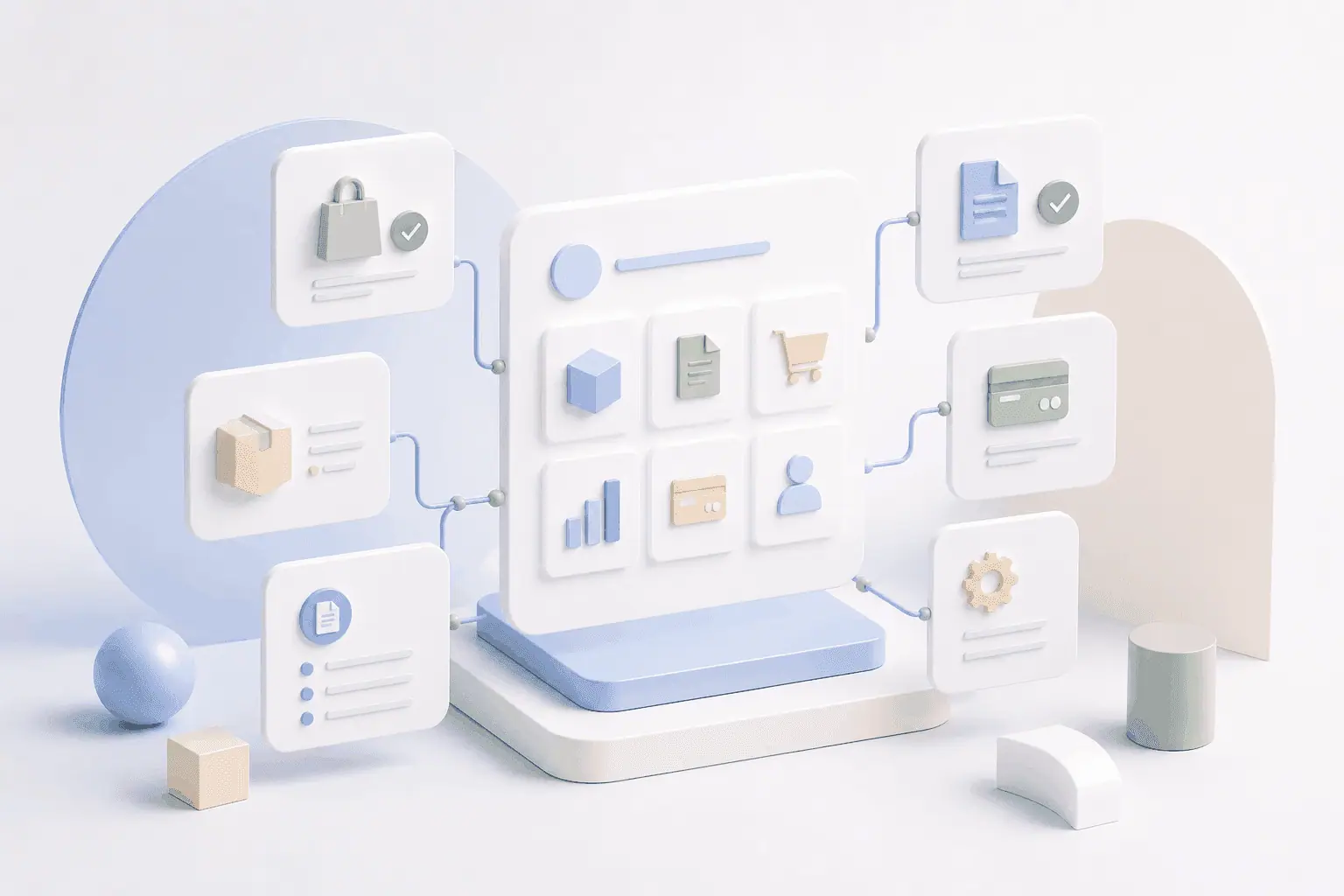
At many manufacturers and wholesalers, returns and complaints still run by email, telephone or fax. Internal sales has to check requests by hand, consult logistics and produce return notes. Buyers wait for a response and have no idea what stage their complaint has reached. A digital RMA process in the B2B customer portal removes this inefficiency: customers start returns themselves, follow the status in real time and upload documents directly. Internal sales is noticeably relieved, and handling speeds up measurably.
Why returns and complaints slow sales down
Picture the following: a buyer receives a faulty delivery. They write an email to internal sales, attach photos and wait. The email lands in the inbox of an employee who is on holiday. Two days later a colleague gets in touch, asks for further information and passes the request on to quality assurance. The buyer sends photos again, this time at a better resolution. After a week they finally receive a return note.
Scenarios like this are everyday life in many B2B companies. Handling returns and complaints manually costs time, ties up resources and frustrates customers. Staff in internal sales spend a considerable part of their working time dealing with complaints. At the same time, buyers in B2B increasingly expect the transparency and speed they know from the B2C world. A digital returns process in the B2B customer portal is the remedy: it automates recurring tasks, makes the status traceable at any time and greatly reduces the load on internal sales.
The self-service approach: efficiency through automation
A digital RMA process moves responsibility for starting and documenting a return from internal sales to the customer. At first that sounds like extra work for the buyer, but the opposite is true: instead of waiting for a response, they can raise the complaint straight away, record all the relevant information themselves and follow the processing status in real time. Internal sales receives structured requests with complete information and can deal with them considerably faster.
The core of the self-service approach is automation. As soon as a customer creates a return from their order history, the system checks automatically whether the goods can be returned, which deadlines apply and whether any particular conditions have to be met. Documents such as return notes are generated automatically, and shipping labels can be downloaded directly. The connection to the ERP system makes sure that all information is synchronised in real time and that no gaps open up between systems.
For manufacturers and wholesalers this means fewer manual interventions, shorter handling times and considerably higher customer satisfaction. Being able to settle a complaint digitally is increasingly becoming a competitive advantage in B2B sales.
5 steps to implementing a digital returns process
Introducing a self-service portal for returns and complaints can be broken down into five concrete steps:
Step 1: start the return from the order history
The customer logs in to the B2B customer portal and opens their order history. There they select the order in question and mark the items to be returned. The system checks automatically whether the return is possible (deadline, item status, special terms). The customer states the reason for the return (e.g. damage, incorrect delivery, quality defect) and can add a description if they wish.
Step 2: upload documents and photos
In the portal itself, the customer uploads photos of the damaged goods, delivery notes or other relevant documents. The system validates the file formats and stores all the information centrally. Internal sales therefore has every necessary document from the outset and does not have to ask for more.
Step 3: apply automatic checking rules
The portal applies predefined business rules: was the deadline met? Can the item be returned? Is this a warranty case? Simple cases are approved automatically; more complex requests are passed to internal sales for manual review. This automation reduces the handling effort considerably.
Step 4: status tracking in real time
The customer can see at any time what stage their complaint has reached: “Under review”, “Approved”, “Return expected”, “Credit note issued”. Push notifications or emails inform them of any change of status. This transparency markedly reduces queries to internal sales – much like digital order tracking with delivery status.
Step 5: connection to ERP and merchandise management
All returns processes are transferred seamlessly into the ERP system. As soon as the goods arrive in the warehouse, the status is updated. Credit notes or replacement deliveries are triggered automatically. End-to-end integration prevents gaps between systems and keeps data consistent across all of them.
Conclusion: efficiency through digital returns handling
A digital RMA process in the B2B customer portal takes the load off internal sales, speeds up handling and raises customer satisfaction measurably. Instead of manual email ping-pong, buyers get immediate transparency and can start returns on their own. Automatic checking rules and seamless ERP integration make processes faster and less error-prone.
Companies that offer returns and complaints as self-service gain a clear competitive advantage: they reduce process costs, increase sales efficiency and create a modern customer experience. If you would like to find out how to set up a digital returns process in your B2B customer portal, get in touch. We will show you how to achieve first results within a few weeks.